
The Subscription Check-In: Find What You Pay For and Don't Use
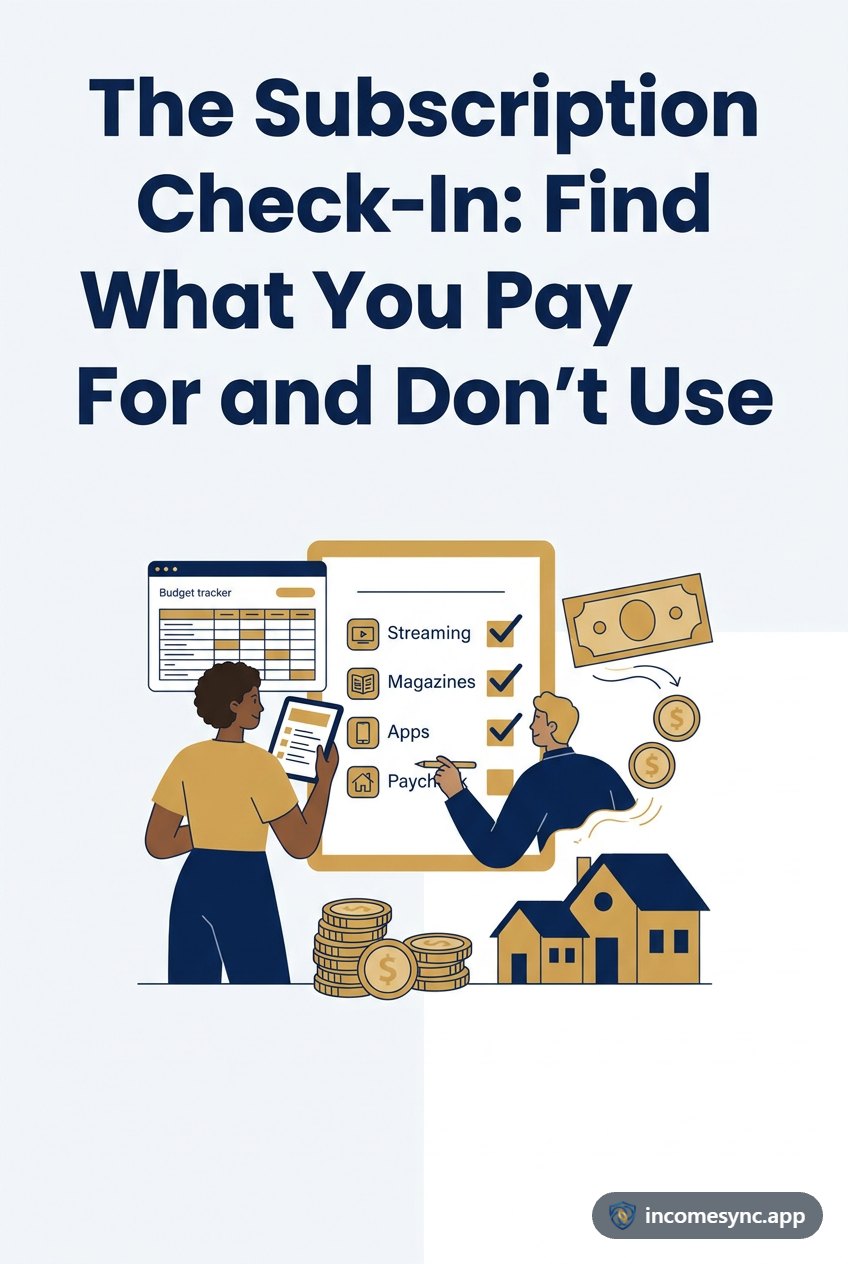
Nobody signs up for a subscription they don't want. They sign up for one they want right now, and then forget it renews.
Small charges, big years
A typical set:
| Subscription | A month | A year |
|---|---|---|
| Streaming service | $15.99 | $191.88 |
| Music | $10.99 | $131.88 |
| Second streaming service | $11.99 | $143.88 |
| Gym | $40.00 | $480.00 |
| Cloud photo storage | $9.99 | $119.88 |
| Total | $88.96 | $1,067.52 |
Under $90 a month feels like nothing. Over $1,000 a year doesn't.
Looking at the yearly cost is the whole trick. "$11.99 a month" is easy to keep. "$144 a year for a show I watched once in June" isn't.
The check-in
Every three months, go down the list and ask one question for each: did we use this?
- Yes, a lot: keep it.
- Yes, a little: check for a cheaper plan, an ad-supported tier or a yearly price.
- No: cancel it today, before the next renewal.
Three months is long enough to know whether you really use something, and short enough that a forgotten subscription costs you one quarter, not a year.
Finding them all
Subscriptions hide in different places:
- Your card statements. Look for the same amount every month.
- Your phone's app store, which has its own subscriptions list.
- Yearly renewals: warehouse clubs, software, domain names. These only show up once a year, so check the last twelve months of statements, not just the last one.
Rotating instead of stacking
Streaming services are easy to cancel and restart. Instead of paying for four at once, keep one or two and switch every few months.
Let the app ask for you
In IncomeSync, mark any bill as a subscription and it goes in its own Subscriptions list, with what each one costs a year and what they all cost together. Every three months IncomeSync asks whether you're still using each one. Click I canceled it and it stops counting, and you can turn it back on if you sign up again. Get IncomeSync.
Subscriptions are one kind of bill; see how bills, debts and expenses differ.